# Cannot connect to QGround Control
**URL:** https://forum.theavr.org/t/cannot-connect-to-qground-control/659
**Category:** AVR Drone Software
**Created:** [October 16, 2023, 9:00pm UTC](https://forum.theavr.org/t/cannot-connect-to-qground-control/659 "2023-10-16T21:00:22Z")
**Posts on this page:** 2
**Page:** 1
### Author:  [@JNeaves](https://forum.theavr.org/u/JNeaves)
#### Post date: [October 16, 2023, 9:00pm UTC](https://forum.theavr.org/t/cannot-connect-to-qground-control/659/1 "2023-10-16T21:00:22Z")
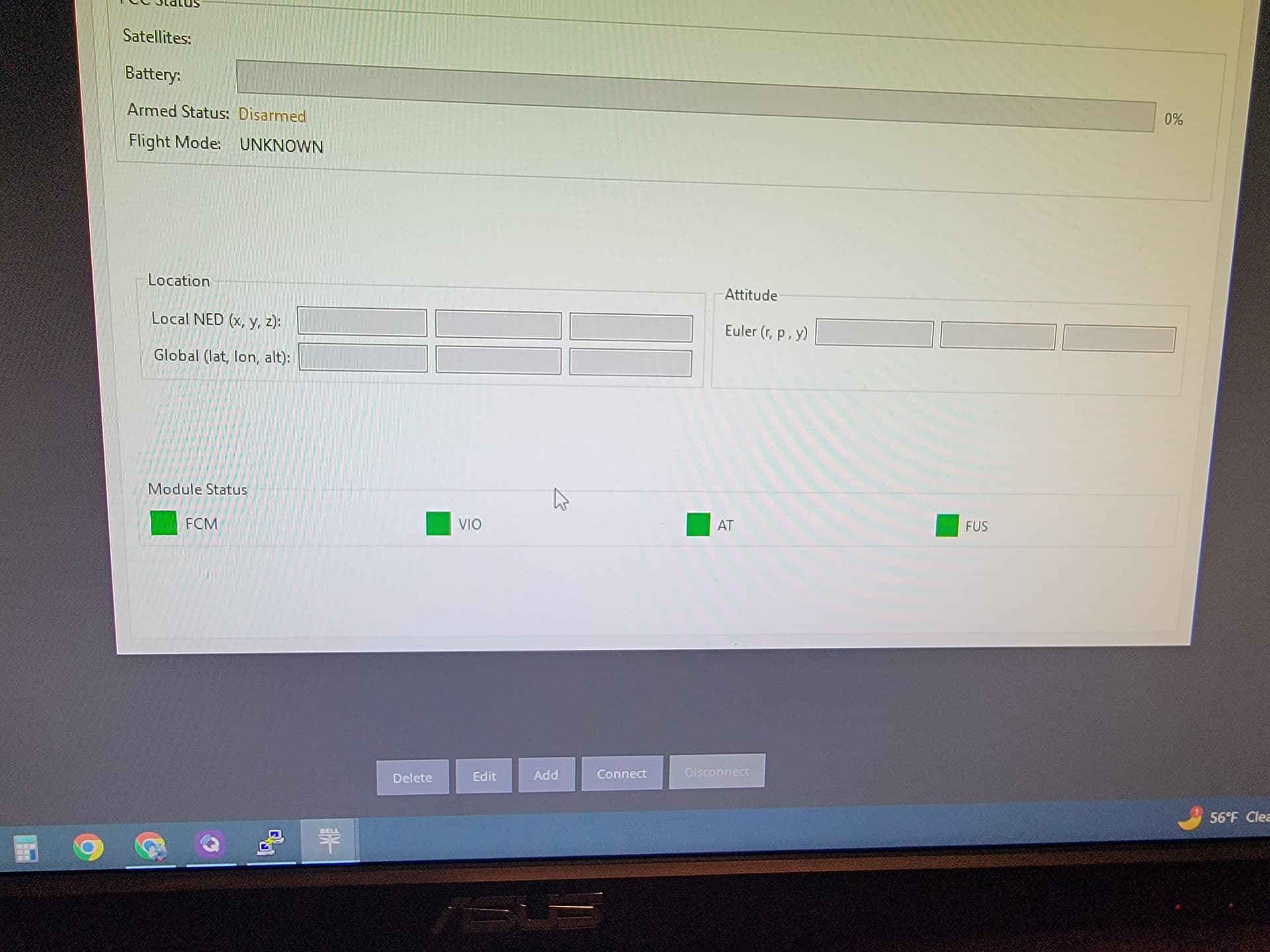
The team has been able to install and update the software. They run it and open QGround Control then Comm Link in to connect to the drone. It displays that it connected in Putty but when the go to the QGround Control it doesn’t show the drone on the map or satellite connection. Also in the GUI it doesnt display any telemetry data.
They reset the pixhawk FC and recalibrated everything.
They double and triple checked the telemetry cable.
They’ve rebooted the drone multiple times
Any suggestions?

---
### Author:  [@JNeaves](https://forum.theavr.org/u/JNeaves)
#### Post date: [October 16, 2023, 10:21pm UTC](https://forum.theavr.org/t/cannot-connect-to-qground-control/659/2 "2023-10-16T22:21:32Z")
Disregard. Apparently triple checking the telemetry cable isnt enough. You need to check it four times.